Your day, and the people in it.
Ethos is a daily planner, a family planner and a habit tracker for iPhone, iPad, Mac and Apple Watch. No account, no streaks, kept in your own iCloud.


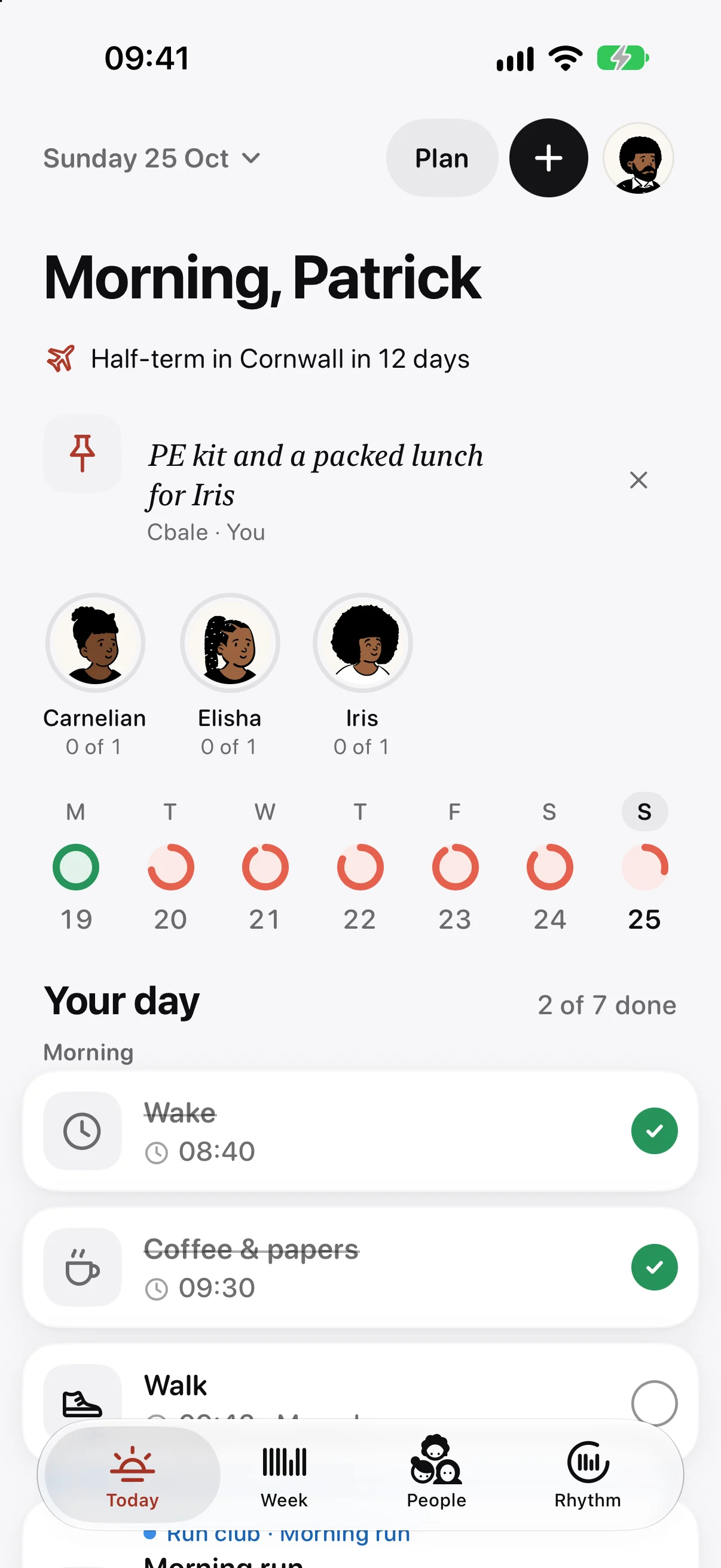
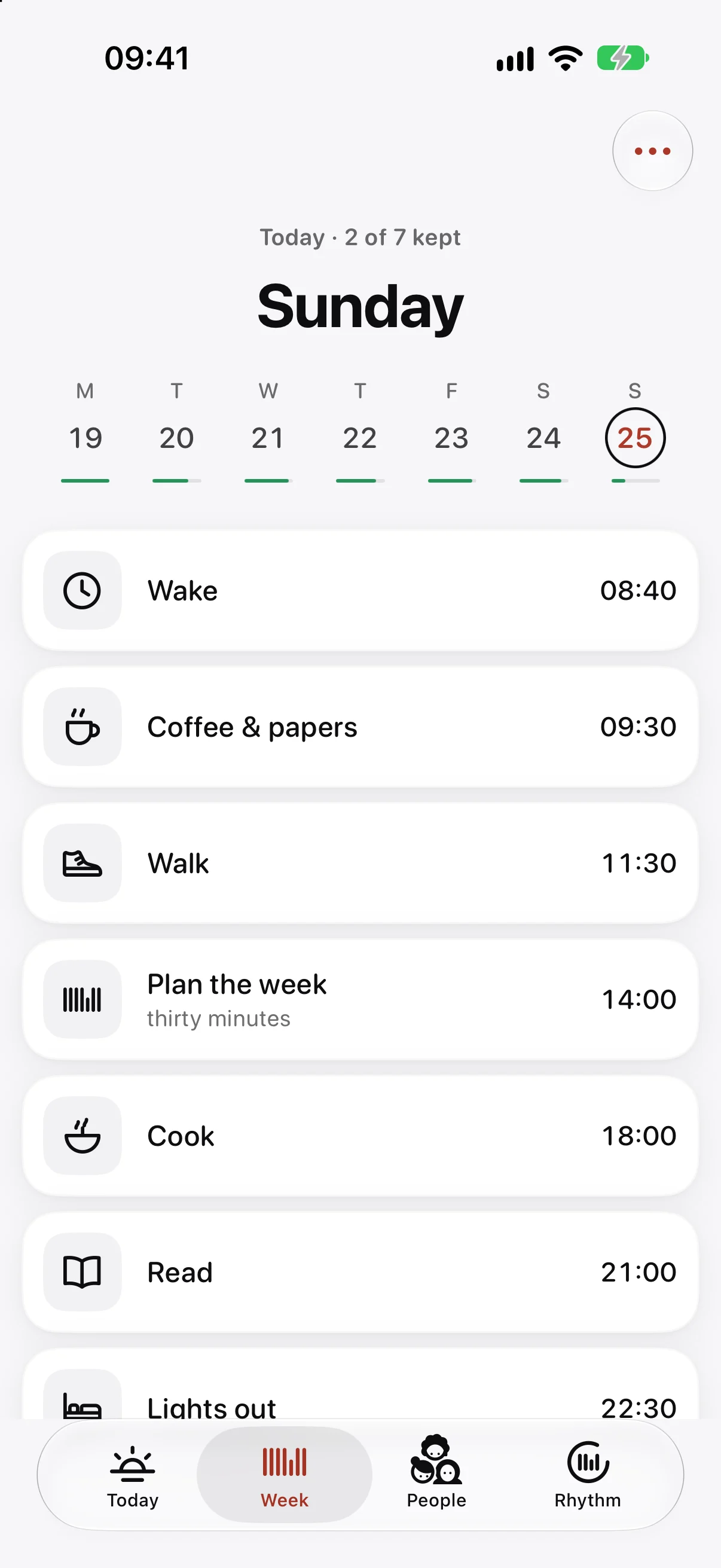
Plan the week once. Live it a day at a time.
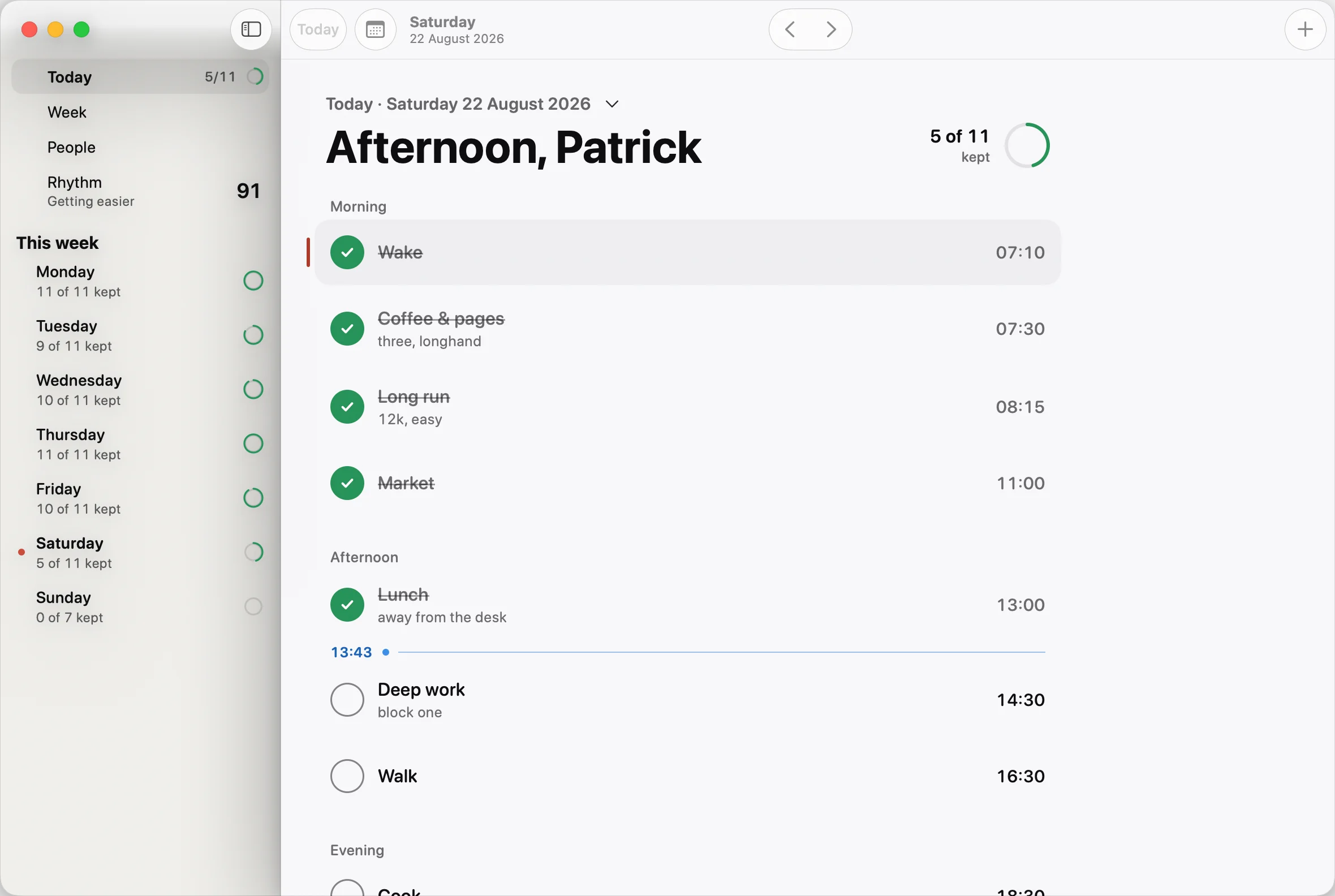
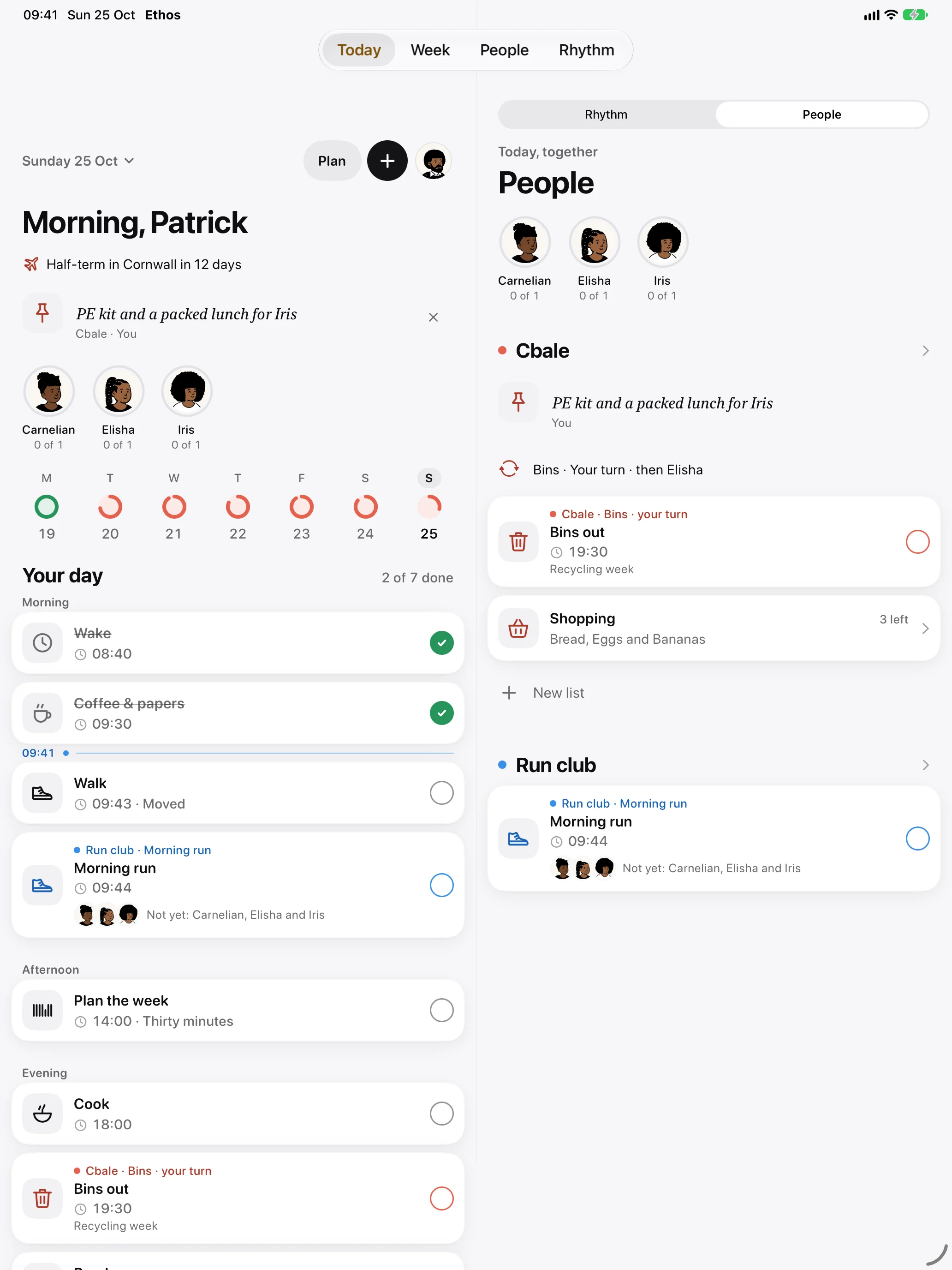
Set what each weekday asks of you: the run on Tuesdays, deep work in the mornings, reading before bed. Each morning Ethos lays it out as a timeline you tick as you go.
- Reminders at the time or ahead of it
- Running late? Push the rest of the day back
- Calendar events shown faintly beside your tasks
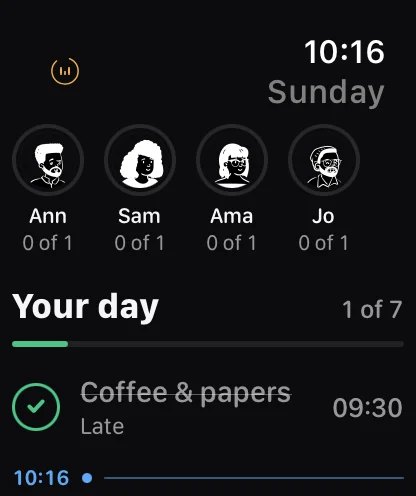
Tick it off from your wrist.
The watch keeps its own copy of your day. Tick with a tap or a double tap, and reminders still arrive when your phone is in another room.
- Reminders even when your phone is elsewhere
- Your next task on the watch face
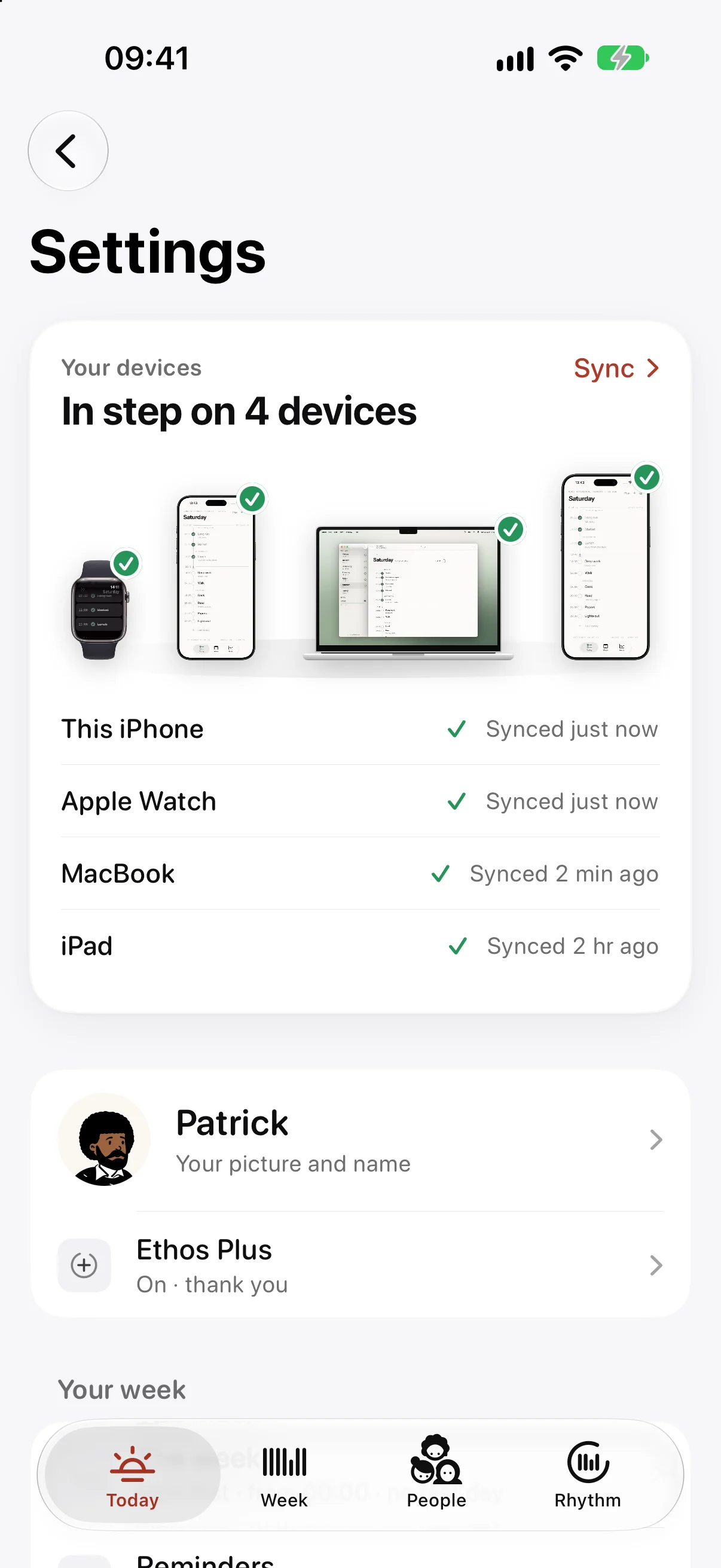
Your week on every device. In your iCloud, not ours.
There is no Ethos account and no Ethos server. With Ethos Plus, your iPhone, iPad, Mac and Apple Watch share the same week through the private part of your own iCloud, which we can’t see.
- Nothing to sign up for
- A weekly backup in Files, too
Share the routines you keep with other people.
Make a group for the people you live with, or the friends you run with. Share a routine and see who has kept it, take turns on the bins, and keep one shopping list between you.
- Shared routines with everyone’s faces
- Turns that pass themselves on
- A cheer when someone keeps theirs
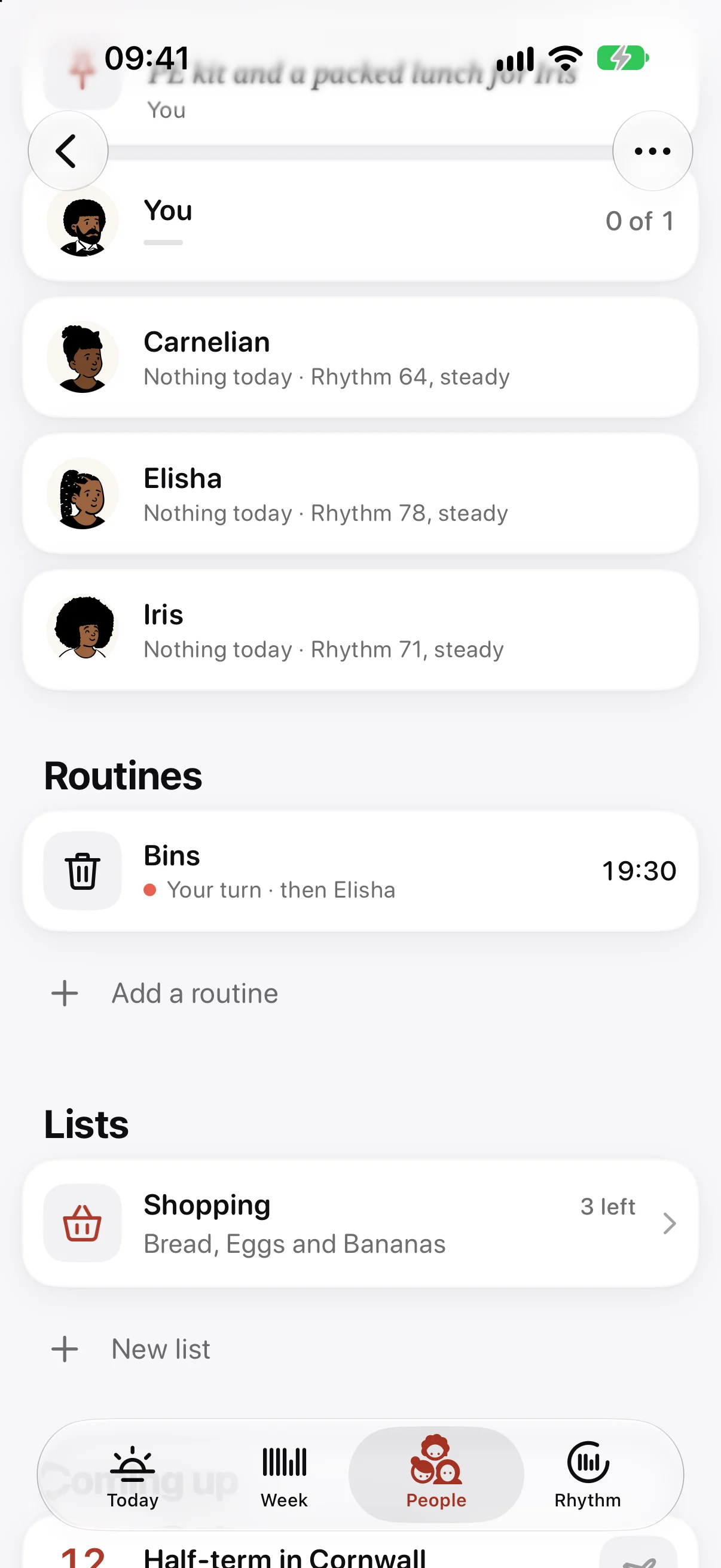
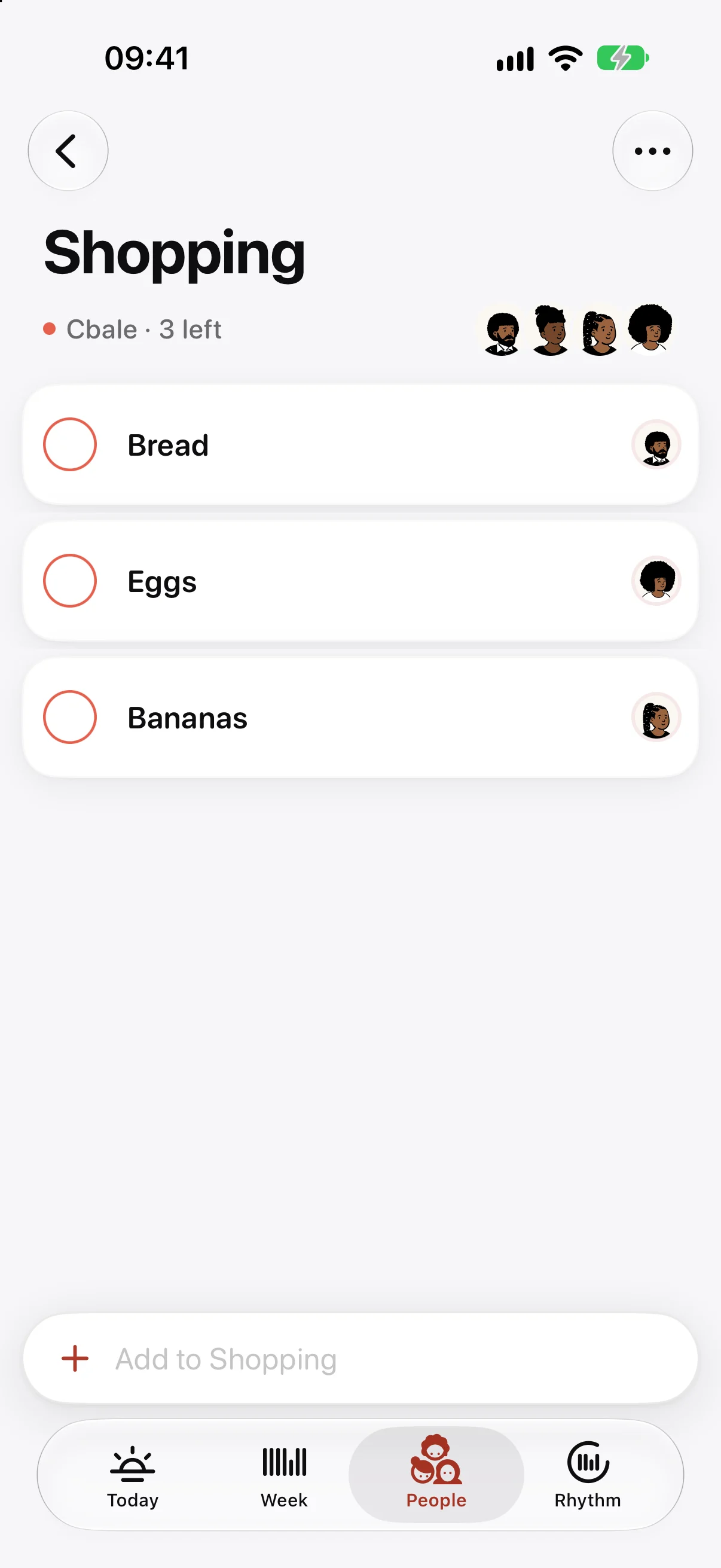
One list the whole house can add to.
Shopping, packing, the things to sort before half-term. Anyone in the group can add to a list, everyone sees who added what, and ticked things fold away.
- Who added each item, at a glance
- Ticked items tucked out of the way
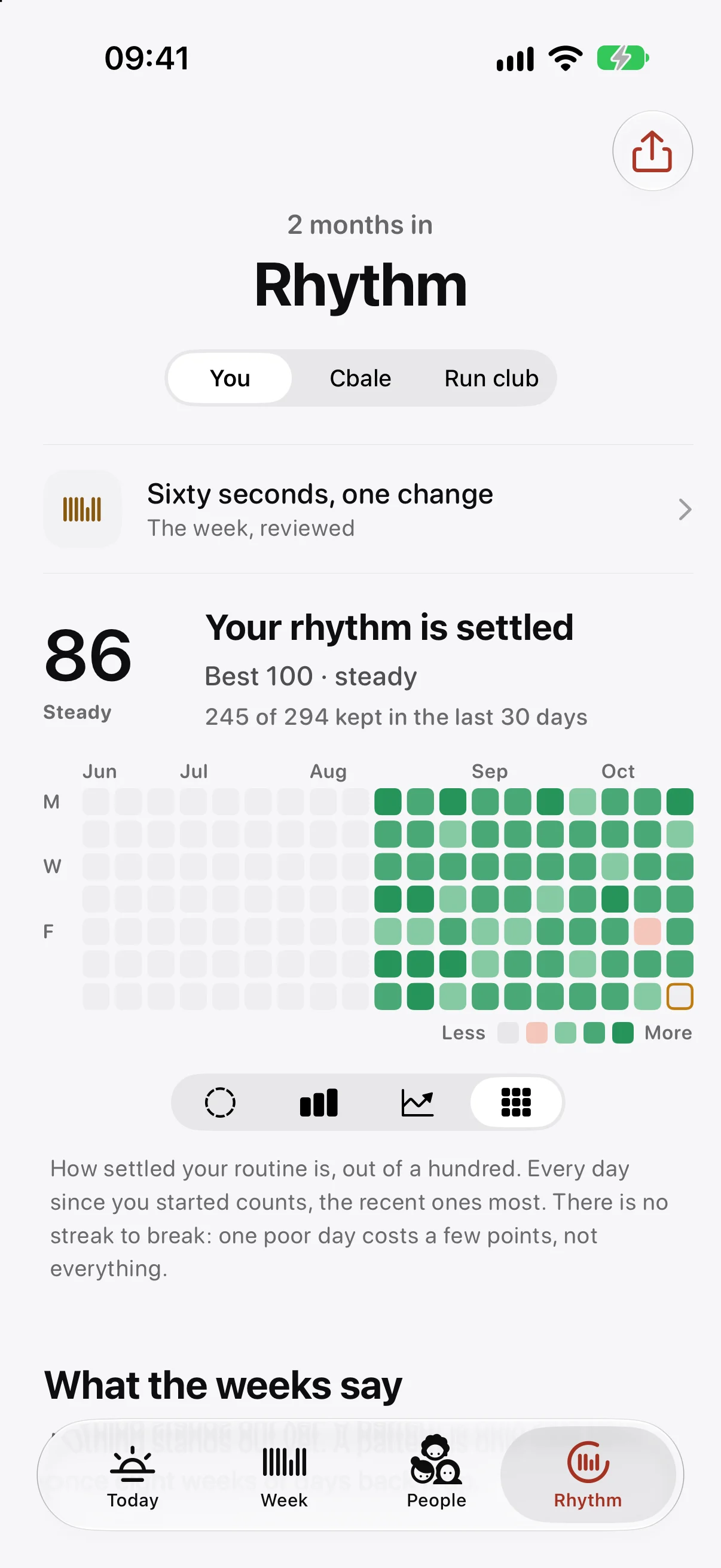
See how you’re doing. There’s no streak to break.
A single, gentle number shows how settled your routine is becoming. It rises with good days and eases slowly with poor ones. Rest days and days off count as kept.
- Rhythm over weeks and months
- A weekly review that suggests one change, or none
Kept together, right on the Lock Screen.
When a shared routine is due, a Live Activity shows everyone’s face. Each one fills as they keep it, and when the last one does, it says so. Long-press someone’s note to send a cheer back.
One week, on everything you own.
On the Mac your day sits in the menu bar and the whole week fits on one screen. On iPad and iPhone Duo it spreads across the display. Widgets, Control Centre, Siri and Shortcuts all reach the same day.

Two looks, every face.
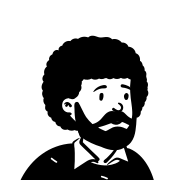
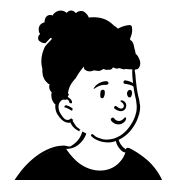
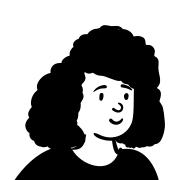
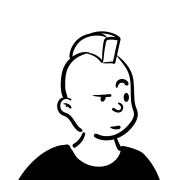
Choose crisp Porcelain or soft Warm Linen, in light or dark. Draw your face with any skin tone, or use a photo or your Memoji. Ethos uses its own quiet icons throughout.
Some of the faces you can choose from, in every skin tone:






The routine is free, and stays free.
Ethos Plus adds iCloud sync and a few extras. One purchase covers every device on your Apple Account, and your Family Sharing group.
Free
No ads, no trial, no time limit.
- Your routine, week and Rhythm
- Reminders, widgets and the Live Activity
- Apple Watch, paired with your iPhone
- Joining a group someone invites you to
Ethos Plus
Everything in Free, and:
- iCloud sync across iPhone, iPad, Mac and Apple Watch
- The watch on its own, without your iPhone
- Making groups and inviting people
- Your week’s history and what the weeks say
- The printed month
- Ink and Slate accents
Monthly, yearly with the first month free, or once for good. You’ll see the prices in the app, in your own currency.
Why we called it Ethos
Said ee-thoss, from the Greek ἦθος.
Ethos is the Greek word for the place you keep coming back to. Over time it came to mean character: who you are, because of what you do every day.
That’s the whole idea of the app. You don’t plan to become someone new. You plan an ordinary week, keep turning up for it, and the habits look after themselves.
So there’s no streak to lose and nothing to start over. Miss a day and it’s a dip, not a failure. The logo draws exactly that: a week of seven strokes, one of them short, and the week carrying on around it.